Documenting a participatory digital mapping workshop with Plan Kenya

by: July 4th, 2011 comments: 0

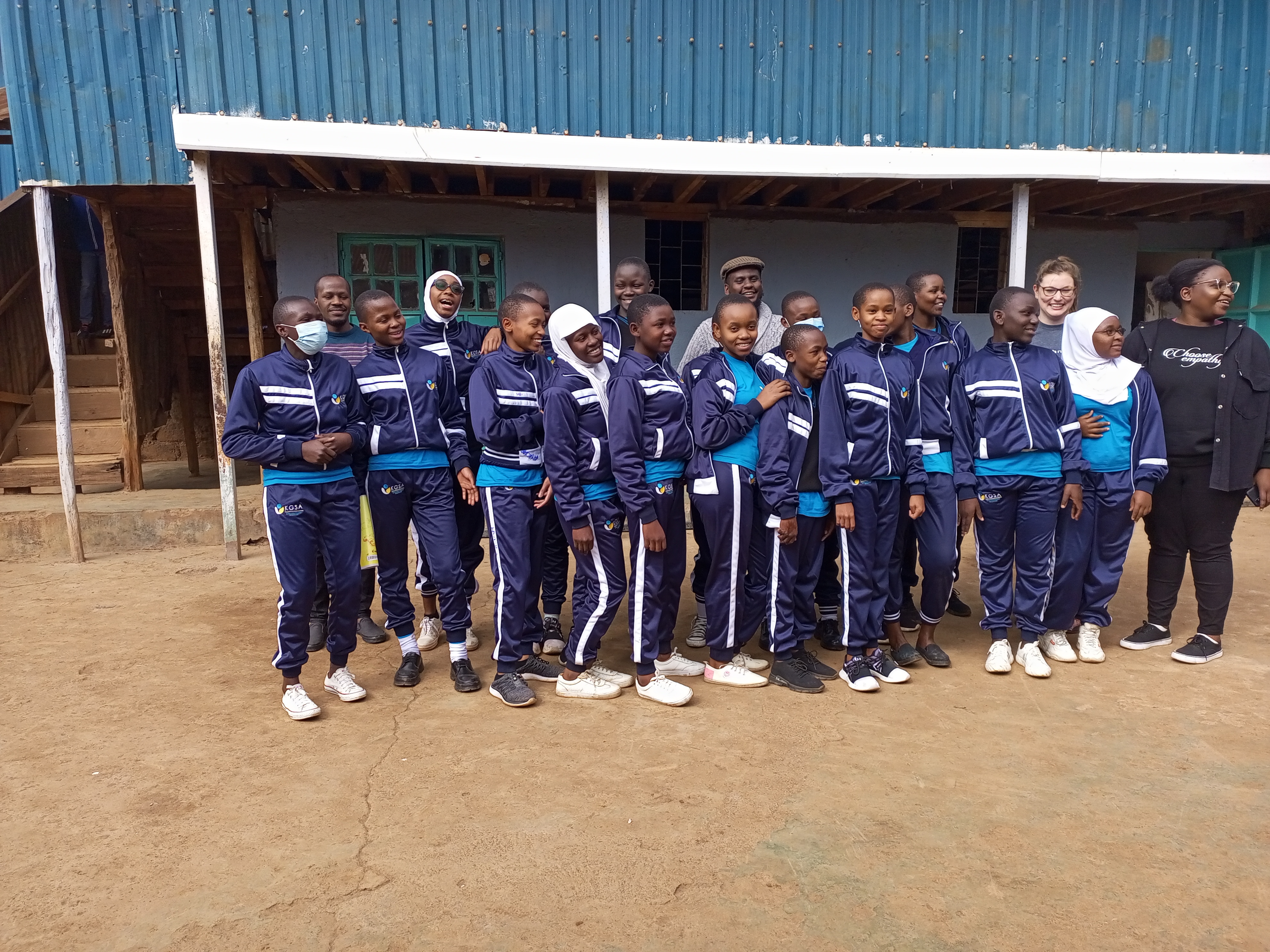
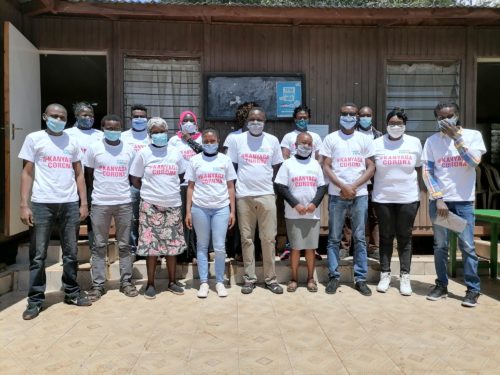
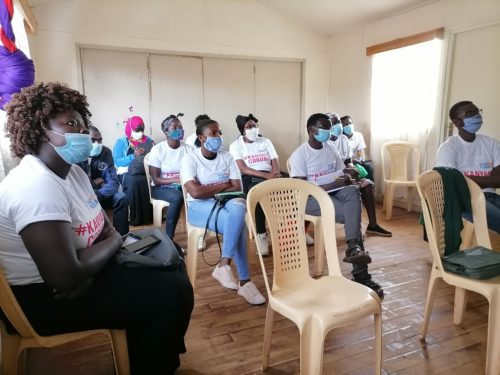
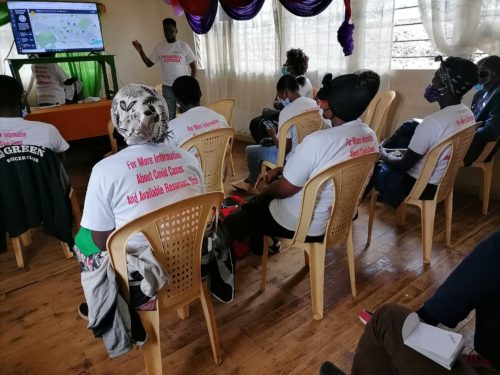
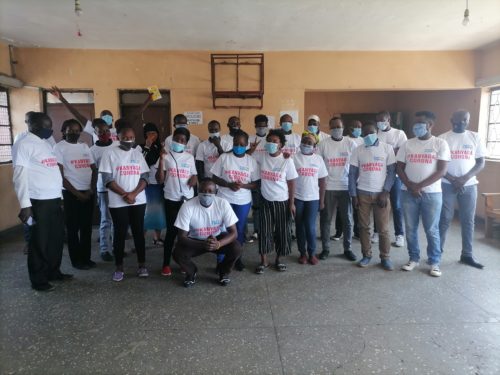
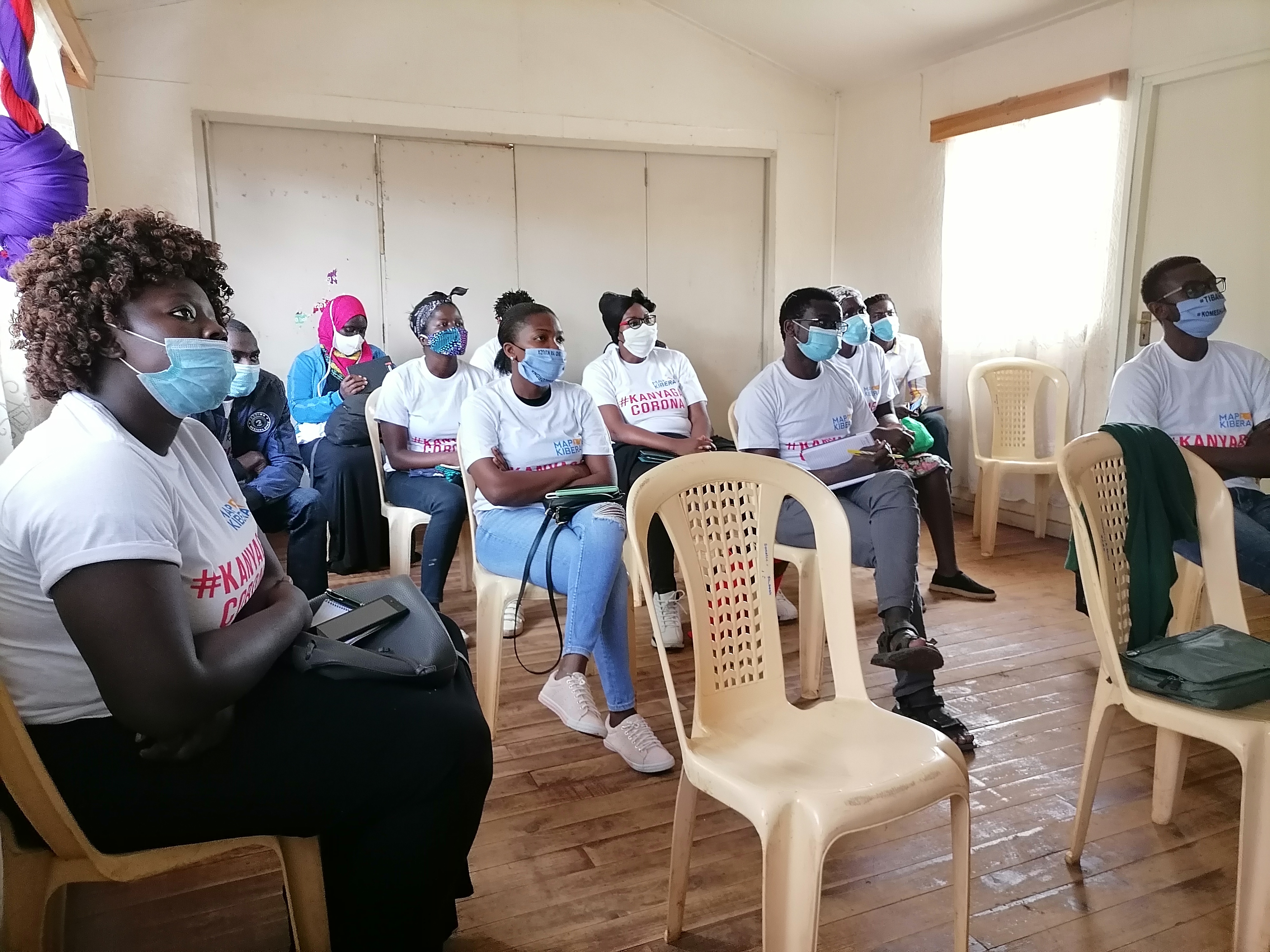
Map Kibera Trust recently facilitated a 3 day training to introduce participatory digital mapping to target staff at Plan Kenya. The participants in the workshop included programme staff and ICT staff from the Kenya Country office and regional offices around the country. Participants came from Homabay, Kisumu, Kilifi, Kwale, Tharaka, Machachos, Bondo, the Kenya Country Office and the Urban Programme (Nairobi). Their backgrounds ranged from ICT support staff, to Child Rights & Gender Advisor, to M&E Coordinator, to programme staff in 4 of Plan’s 5 focus areas (Protection and Inclusion, Health, Education and Governance).

The training was planned at the beginning of the implementation of the new Kenya country strategic plan (CSP) 2011-2015 for Plan Kenya. Building on the success of Plan Kenya’s work in Kwale on universal birth registration and also from digital mapping work with POIMapper and Map Kibera Trust, the new CSP highlights the importance of ICT in the improved efficacy of Plan’s work. Plan Kenya has chosen to place an explicit focus on participatory ICT in its work. This is in line with Plan International’s focus and leadership in ICT4D globally.

In this context, the workshop aimed to:

  • Introduce participatory digital mapping theories, techniques and tools that Map Kibera Trust employs in its work
  • Provide hands on experience in GPS data collection and data editing using Open Street Map
  • Learn more about how Plan Kenya programmes use information and communicate
  • Brainstorm ideas about how to integrate ICT into programme work

We began with an introduction to Information Communication Technology for Development (ICT4D) by exploring some questions to consider before introducing ICT into programme work. The questions were (and are) meant to stimulate discussion and encourage participants to think systematically about the integration of ICT into new and existing programmes. The questions identify the reasons why you would use ICT, assess what constraints and opportunities exist in the framework you are working in, and explore how people are communicating in order to design appropriate and sustainable systems to build upon existing channels of communication. The questions are modified from Linda Raftree’s post “7 or more questions to ask before adding ICTs,” so thanks to Linda for the inspiration!

1. Why are you considering the use of ICT?

The Plan Kenya staff identified that using ICT, particularly mobile phones and the internet, has become a desired lifestyle choice that the majority of Kenyans around the country have embraced. This was an important point that the participants wished to build upon and capture in their use of ICT in various communities. The group generally agreed that ICTs are available and can be accessed by many Kenyans. The staff also mentioned that ICTs could improve communication and be used to easily mobilize communities (for example sending one SMS to many people to attend a meeting). ICTs are flexible and can improve accuracy and consistency in information, which can then be easily stored and shared. There was also mention of improved efficiency in programme work through the collection and processing of real-time information.

2. What are the programme goals or programme framework you are working within?

Most of the participants identified the new country strategic plan for the organization as the overarching framework that Plan Kenya staff are working with. The country strategic plan identifies 5 areas of focus: Health, Livelihoods, Education, Protection & Inclusion and Governance.

3. What are your specific information and communication needs?

The information needs of Plan Kenya staff members were largely related to programme work. The needs included collecting accurate data for baseline surveys for Monitoring and Evaluation and thus to assess programme impact. There were some suggestions of improving communication through digitizing information that can more easily be shared to large numbers of people. The group suggested that this could improve accountability to other staff members, donors and to beneficiaries in communities. ICT can also improve the ability of Plan Kenya staff to analyze information and make decisions.

4. How are you already using information and communicating?

In order to integrate ICT into existing programmes within communities, it is important to know how staff members are already using information and communicating in their daily lives. The group came up with a long list of communication tools: email, internet, intranet, websites and social netoworks – namely Twitter, Facebook, Flickr, MySpace), applications (Skype, Yahoo Messenger), SMS and telephone calls, radio, and television. The group is using information during baseline data collection. Some are involved in a project that integrates SMS applications into the birth registration process in Kwale District.

5. Who are the actors involved in the particular issue you are seeking to address with ICT?

The Plan Kenya staff won’t be (and aren’t) using ICT in isolation. There are important stakeholders they work with on particular issues, programmes and projects. These include the general community – with a particular focus on youth and children. Important sub-sections of the community include teachers, school administration, Government of Kenya, civil society organizations, Plan Kenya partners (such as Childline Kenya, Community Cleaning Services), the media and private sector actors. Different groups of people use technology differently, and depending on the answer to question 1) and question 6 (below) the staff may need an ICT strategy that is diverse enough to reach the various stakeholders.

6. How do people use ICT already?

This list of the ways in which Kenyans are already using ICT is a testament to the idea that the group tapped into when answering question 1. The use of ICT in Kenya, specifically mobile phone applications, has become a lifestyle choice. Kenyans use phones for mobile money transfer, SMS, calling, accessing the internet, paying their bills, paying for goods, calling toll-free lines (e.g. Childline call centre, police hot lines) and for data collection and dissemination. Kenyans also listen to the radio, use computers, blog, email, chat, shop online, bank online, join online discussions and news groups and use various forms of social media. They do this for work, but also for pleasure. These were the means identified by the group, however this is not an exhaustive list.

7. How do people access technology already?

This was a sub-section of question 6 and the group answered: mobile phones (including GPS enabled and internet enabled phones), street phones, computer, internet connection in office and homes, internet modems, cyber cafés, radios, TVs, toll free lines, and resource centres.

8. How will you close the feedback loop and manage expectations?

How do you make sure the information you are generating, no matter the medium or tool you are using, gets back to the community? How do you promote the use of technology without seemingly presenting a silver bullet solution (even if you don’t intend to do so)?

These questions were answered in several ways. One idea about both closing the feedback loop and managing expectation was to network  with other organizations and partners in the community to share information and raise awareness about the use of ICT and the opportunities and limitations of ICT4D projects.

Another option for closing the feedback loop was to both collect and disseminate information on popular social media sites such as Facebook and Twitter.

A third suggestion was to close the feedback loop and manage expectations through an informed resource person and/or resource centers and staff having sessions with the community.

Finally, there was the suggestion to start the integration of ICT in development work by outlining and communicating clear expectations and at the end have feedback sessions to monitor the whole process.

9. What is your sustainability plan?

The final question, and likely the most difficult (we only had a one hour brainstorming session and did not expect participants to come up with final answers to this question but simply consider it as an important component to any project with an ICT component).

One idea was to equip community members, and particularly youth, with skills that will be applicable beyond the program (or project) timeline. The YETAM project (youth empowerment thorough arts and media) was designed in this way and the group agreed that this design was beneficial to the young people involved in the program.

Another suggestion was to involve the beneficiaries/community in the entire process of choosing/customizing appropriate ICT tools that suit their needs and for further development so that it is community owned process and will in theory continue beyond the project/program lifecycle. Other ideas included:

  • Build partnership with Government and NGOs.
  • Integrate fund raising or income generating activities into the project.
  • Use affordable technology (free and open source)
  • Ensure follow-up mechanisms are built into the project

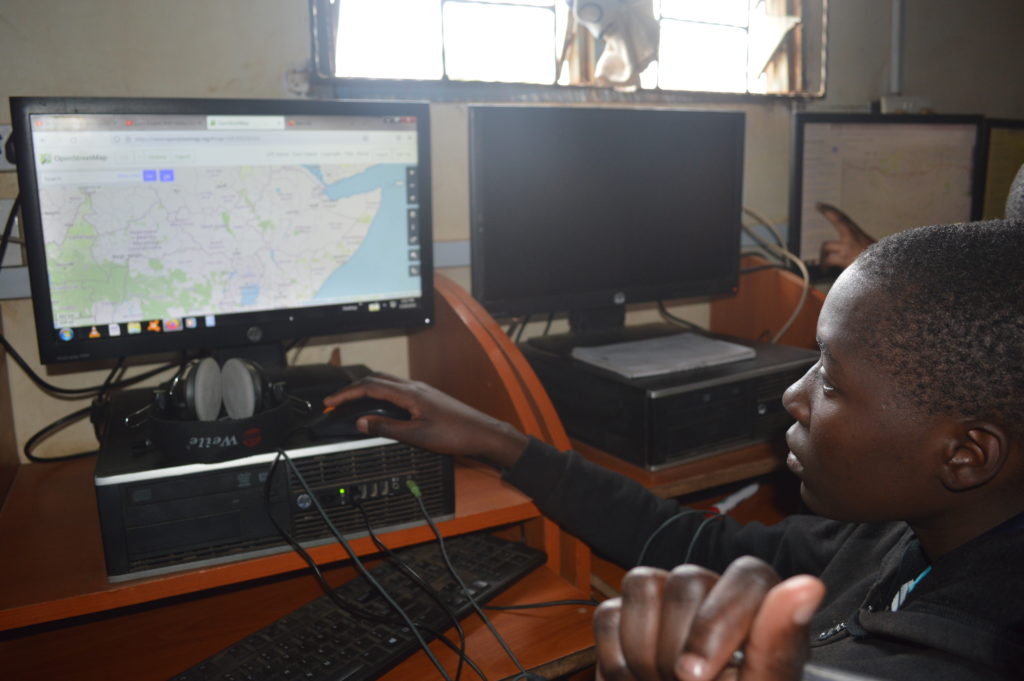
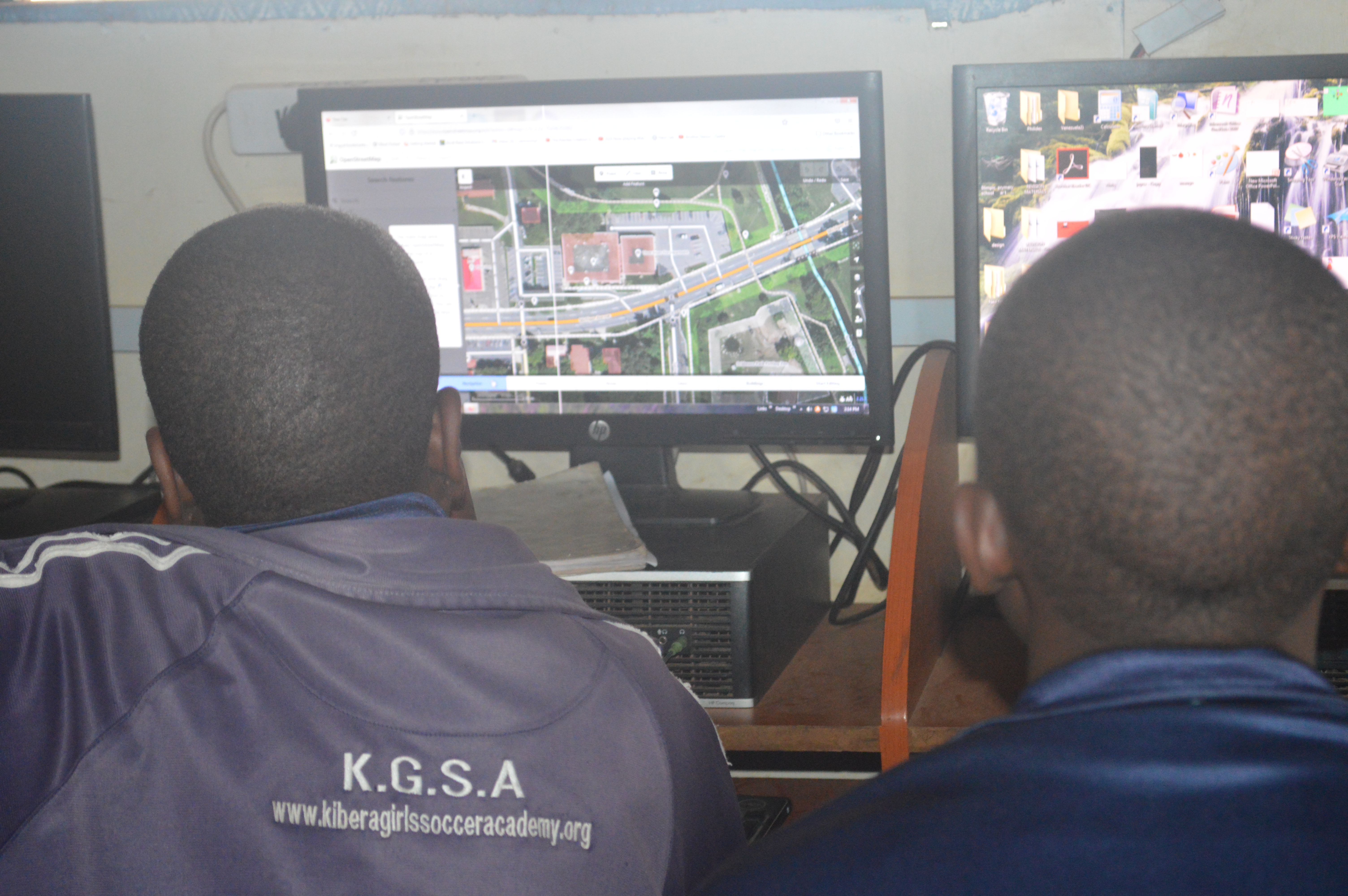
We discussed the use of mapping, open information and ICTs for development. We also used two of the three training days to focus on hands-on training and skills building. We facilitated training in handling the GPS devices, collecting data and using Java Open Street Map (JOSM) and Potlatch to record open spatial information into the OpenStreetMap databases. As we’ve found in the past, the hands on training is exciting and motivating. The theorietical discussions, combined with the practical field work inspired discussion and debate on ideas on how to integrate participatory digital mapping andICTs into programme work.

The following are ideas generated by the Plan Kenya staff:

  • Ushahidi could be useful for referral partners mapping and identifying the hot spots of child abuse
  • Use of SMS for communication with hearing and speech impaired within the community
  • Using reports and sharing the same information to various media channels. E.g. PPM a in-house system that is used to track and monitor information and projects progress
  • In governance as a tool for enhancing social accountability, where ICT can be used to track projects
  • Digitization of data collection e.g. in sponsorship (especially photography), child abuse hotspots
  • Involving children in participatory community mapping by mapping schools using walking papers
  • Using blogging as a tool for youth to document governance issues in the new good governance project for the Urban Programme
  • In Kilifi the team is doing a 2 year study on Open Defecation Free villages and health outcomes. They could use mapping and spatial statistics to document findings.
  • Mapping and other ICT4D tools could be used to document and share participatory activities that Plan already undertakes, such  as transect walks and participatory situational analyses

The training ended with a note of caution – the team recognized the potential tension between the processes that are needed for ownership of a community map (and any other ICT4D project) and the haste of development partners to use the budget and report progress to donors. In this case, many projects (ICT4D, mapping and any other project) may “leave the community behind.”

It is thus important to ask the following questions and consider the answers carefully when designing projects:

  • For whom are we doing the mapping (or any project really)? And whose map is it?
  • Of what use is the (spatial) information, what will it compliment?

After another successful workshop with Plan Kenya, we look forward to building on the excitement and enthusiasm generated during the training! Let’s see some of the great ideas turned into reality!

Cross posted on my blog.

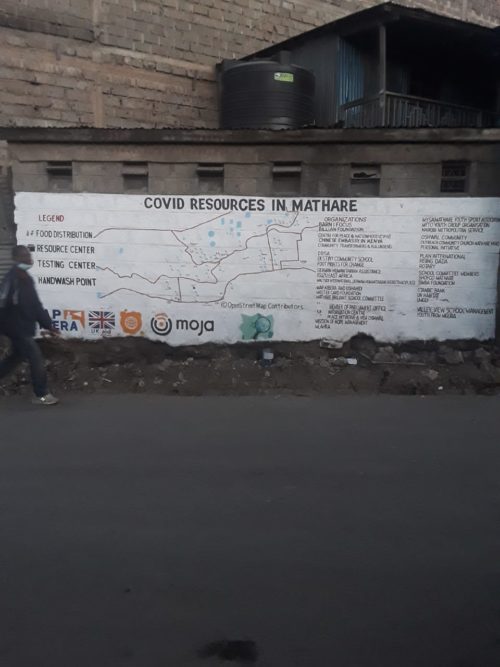
New Media in Mathare

by: May 2nd, 2011 comments: 1

Digital storytelling and new media can be a powerful catalysts for change. In areas where access to internet is limited for most people, introducing new media as an effective means to communicate issues can be a challenge.

Young people in Mathare own mobile phones and have a facebook and email accounts, however the majority of Mathare residents do not use new media or online means to share information. As highlighted in this video Information Sharing by young Mathare residents, word of mouth is still the most powerful medium for information sharing in Mathare.

“Tell me a story, and I will tell you mine. Word of mouth has so much power to make and build a nation”

The team acknowledged these challenges but thought it worth while to experiment with new media in Mathare, as had been done in Kibera. The new media training programme in Mathare was built based on the experience of the Map Kibera team in designing and developing a web-based information sharing site.  The information sharing site for Kibera utilizes the Ushahidi platform for ‘crowdsourcing’ information. In this instance, crowdsourcing refers to providing a channel for information from the general public to be published openly on the internet. The site, Voice of Kibera, aggregates information channeled through short messaging system (SMS) messages and web based submissions and displays report on events, activities, news and other information about Kibera. The site also aggregates content from other sources on the web, including video and news reports. Despite the challenge of internet access, the team behind Voice of Kibera believes the site is an important channel for highlighting issues from Kibera. The team is actively engaged in improving the impact of the site and are excited about its growth.

A similar site initially called “Voice of Mathare” was set up for the Mathare programme. The site was meant to be a means through which Mathare residents participating in the training could highlight issues and information generated by the people of Mathare. While the technical issues were being sorted out for the Voice of Mathare site, the Mathare project coordinator and some of the participants from the other programmes took an interest blogging that was being done by others in the Map Mathare organizing team.

Through a number of discussions, the Mathare participants decided to set up a blog of their own. The Mathare Valley Blog was a thus a spin-off of the Map Mathare work.

The Mathare Valley Blog has become a central site where stories, news and videos generated by the Mathare participants are collected and shared. The blogging team meets of their own initiative and has kept up the momentum for the blog. They actively brainstorm ideas and making changes to the layout and format of the blog. The Map Mathare team provides some technical support to the bloggers and the site continues to run as an effective digital storytelling platform.

Currently the Mathare Valley Blog has 61 blog posts contributed by six different bloggers from Mathare .  Five of the six bloggers are under the age of 25 and have written a blog post for the first time on the Mathare Valley Blog.

Over the past four months (January – April) the blog has been viewed 4,466 times and has six subscribers, plus many other online followers. One Plan USA staff member who runs a blog on ICT and development picked up activity on the Mathare Valley blog and wrote her own post “Mathare Valley is blogging.”

Success stories

The blog has attracted considerable attention within and outside Nairobi and Kenya. There have been numerous success stories that have resulted from the blog. The first is a result of this story, entitled “Attempted rape by a neighbor”. Simon, the author, followed up on the blog post and wrote about the girl’s attempt to contact the authorities in this post. After reading these two posts, a human rights activist from Nairobi contacted Simon and was put in touch with the young girl from the story. The activist then accompanied the girl to the police station to follow up on her case and assure a report was properly filed and acted upon.

The second success story was sparked by this blog post about Mr. Ndeti from Mathare who speaks fluent German and has started teaching German to interested students. The blog post was forwarded to the Goethe Institute in Nairobi. A staff member from the Goethe institute read the story, took an interest in Mr. Ndeti’s work and was put in touch with the teacher. Through this interaction, the Institute donated books and material to support the initiative started by Mr. Ndeti in Mathare.

One of the young bloggers (and videographers) has attracted the attention of an international newspaper published by the Rebel Film Board. The newspaper was impressed by his writing and has offered to publish a version of his post on “The Vice of Violence in Mathare” in their publication, which circulates in print in Toronto and Mathare.

In a short time, the blog has proven an extremely effective platform for young residents from Mathare to highlight their stories. The blog facilitates online – and more importantly – offline dialogue and action on issues of importance to the residence of Mathare. The Mathare Valley Blog is most importantly an initiative of Mathare residents themselves.

To provide the participants with some ideas about other options in terms of new media, some basic training on the use of the Ushahidi Voice of Mathare platform was provided to some of the Map Mathare project participants. The Voice of Kibera team conducted a number of hands-on trainings with 8-10 Mathare participants. The participants were interested in the platform and learning from the experience of the Voice of Kibera members, but did not take-up the software as we saw in Kibera. We therefore agreed to provide technical support for the blogging platform as a central online information focal point for the Map Mathare initiative. We were careful not to impose the original ideas of New Media in Mathare and have adhered to the original methodology agreed upon by the team with support from Plan Kenya and CCS. This was a community driven approach from which the technical and coordination team “leads from behind”. We are and continue to be flexible when it comes to programming in Mathare.

Map Kibera projects submissions to Apps4Africa

by: August 31st, 2010 comments: 0

Congrats to Ahmed Mohamed Maawy and Jamila Amin for submitting two awesome apps to Apps 4 Africa.

They both worked with Map Kibera to develop apps, driven by needs from the community.

Kenya Constituency Development Fund: Community Tracking and Mapping enables Kenyans to easily view all official and on-the-ground details on CDF funded projects in Kibera. KCODA (Kibera Community Development Agenda) monitors submit detailed reports on the real status of projects, and contrasts with officially reported government status,the amount allocated, the contractor involved, photographs, and geographic location.

Kibera Open Directory and Repository: An Accessible WhoWhatWhere for Kibera is an organization directory and report repository, seeded from existing offline directories of organizations and available reports, based on Crabgrass. Information is accessible by web; and by mobile phone, which are increasingly and inexpensively connected to the Internet in Kenya. There are literally hundreds of NGOs, CBOs, faith-based, and other even more exotic species of organizations, operating in Kibera, with budgets from pennies to millions, involved in all aspects of life. As with most informal settlements, Kibera is under-served by government and that gap is particularly filled by civil society organizations. These actors are not directly accountable to the community, and it is difficult to get the bigger picture and small details of their work. Newcomers wishing to start working in Kibera, or existing organizations looking to partner, reduce duplication of work, and collaborate, face a daunting task of finding the information they need. Reports and data collected in Kibera is plentiful, but hard to access, particularly from Kibera itself. Individuals from Kibera have repeatedly asked Map Kibera for a solution to this problem, leading to this App.

We’re excited to see all the submissions. Good luck to all!

Voice of Kibera, Ushahidi 2.0, and Our Wishlist

by: August 22nd, 2010 comments: 2

With the much appreciated help of crowd-sorcerer Henry Addo, we have upgraded Voice of Kibera to Ushahidi 2.0, and the plugin system.

The first plugin we installed immediately was the mobile plugin, which sure, gave us iphone and ipad support but what really excited us was support for any phone, really any phone, with any kind of internet access, via a web browser. In Kenya, mobile internet is booming and it is not uncommon for Kibera people to have internet enabled phones, mostly accessing Facebook. The cheapest internet enabled phone on the market is only 2000 KSH ($25). Phones and data are only going to get cheaper. For many people, the phone will be the first real chance to access the internet, and I reckon WAP is going to really take off. 10 years ago in the EU, WAP was over-hyped and crashed because people were used to a full internet experience, and didn’t really get interested in mobile internet until the iPhone. Here in Kenya, WAP is the right technology, right now. I’m incredibly excited to see what happens now that Voice of Kibera is available on the phone.

IMG_6763

An Alert on Alerts

With 2.0 finally out of the way, I had a chance to examine our bugs and features against what’s in 2.0. One long standing issue for VoK, and I’m told other instances, were that Alerts didn’t work correctly. Sometimes they didn’t get sent out at all, or got sent out in huge numbers, almost spamming subscribers (this happened with Uchaguzi, I’m told). I had never investigated or confirmed this, but after a quick test yesterday with VoK, yes, alerts weren’t working!

I examined the code and the database, and discovered the problem. Reports are marked for alerting when approved via “admin/reports/index”, but not via “admin/reports/edit”. This means that if someone marks a report as approved while applying or reviewing location and category, it’s never sent out for alerting. At least with Voice of Kibera, this is the common usage pattern, and I suspect the majority of instances … the same person who creates and geocodes the report, approves it. The approver is often going to check out the map, rather than just read a summary. It’s only in specific circumstances that index would be used on Ushahidi instances, and I can’t say how often that the report listing would be used. This inconsistency made it a troublesome bug to figure out.

Anyhow, I submitted a bug on this, and David Kobia quickly submitted this fix. I was a little concerned that such a core feature had a major bug, but very glad that Ushahidi quickly responded to my report.

If you’ve noticed any problem with Alerts in your Ushahidi instance, I suggest at least applying David’s fix, if not upgrading to the latest codebase completely.

SMS Wishlist

Along with WAP, we see SMS Alerts as a major way Voice of Kibera will be accessible in Kibera. We’ve examined how things work, and have come up with a number of improvements.

  • Should be able to sign up for Alerts to specific category, rather than everything. I believe the Haiti instance had this, but that hasn’t been integrating to 2.0
  • Should be able to sign up for alerts via SMS. For example, someone interested in sporting events could text in “Kibera subscribe sports” and be signed up. That will text them back information on how to unsubscribe via SMS, etc.
  • Admins should be able to toggle whether a specific message is sent out for alerts. Looking at the code around the bug above, I see this would be straightforward.
  • Admins should be able to mark a report for sending only via SMS, and not on the site. These could be special communications, or take the form of a daily/weekly digest of information.
  • Finally, it would be helpful to assign a name to SMS reporters and subscribers. Reports should be linked to messages that come in via SMS, so that you can see the original message and reporter when approving.

Geo and Other Stuff

Naturally being a mapping guy, I have lots of ideas! One thing that happened in Uchaguzi, and in Haiti and Chile, was a choice of base map layers, so that both OpenStreetMap and Goog were available. These were done by hacking in a little OpenLayers javascript. It would actually be pretty simple to offer a choice of several base map layers in core Ushahidi. Also helpful would be a little design work to make base map choice more obvious.

That could lead to more custom base map layers. During Uchaguzi, there was an unfulfilled need to overlay polling place districts on the map. Since that’s a fairly large KML, a more efficient method on the browser side would be to build up semi-transparent tiles.

Another place to look is geocoding. Currently only Google geocoding is offered, while there are other good, and free, services like Nominatim (based on OSM data) and Geonames. Which geocoder is in use should be somewhat invisible to the reporting interface, and done in an efficient cascade. Also, need to present choices of results to user, rather than just the first.

There may be circumstances where you want to build your own custom geocoder. Again, Uchaguzi could have benefited from geocoding on polling place locations; that database was available, but not with a license shareable with OpenStreetMap (it’s a looong story). What could be done is build up a geocoder using the open source geocommons geocoder, and integrate it with Ushahidi via its RESTful interface.

Anyhow, just a few ideas, which we’ll be processing into specific bug reports and feature requests, and yes, finding time to work on … it’s open source after all!

Extracts

by: July 19th, 2010 comments: 0

Map Kibera recently had some exciting (and very hard!) work to do in the Mt Elgon district, collecting the locations of over a hundred schools. Those schools double as polling places, and were needed for NDI’s election monitoring work; Primoz will post details soon on the why and what of the week he and Mildred spent in the Mt Elgon hills.

What I want to write about now is a geeky post describing the process of producing OpenStreetMap extracts. NDI needs the data in a different form from OSM’s XML format, namely Shapefiles or CSV matching the schemas of their postgres database, for easy import.

This is something which has become almost routine for Map Kibera, as we’ve been producing extracts for download of our data, filtered by theme (health, security, education, watsan), and in a number of formats. It’s become so routine that I can see a clear way to automate and build non-technical interfaces around the process. An easy interface to get data out of OpenStreetMap, in the format and with the data that you want, shouldn’t require grappling with our tools and would benefit GIS people and others greatly. That’s part of the motivation behind the Humanitarian Data Model.

For now, a dive into the steps and underlying tools, by skipping through the process-mtelgon.sh script. This, and many other bits and pieces of Map Kibera code are up on mapkibera github.


# GET fresh Mt Elgon extract from OSM
wget http://www.openstreetmap.org/api/0.6/map?bbox=34.40356,0.74961,34.83117,0.95577 -O /home/mikel/mtelgon/mtelgon.osm

First, simply download a chunk of OSM xml from the API, around the Mt Elgon district.


/home/mikel/src/osmosis-0.34/bin/osmosis --read-xml file="/home/mikel/mtelgon/mtelgon.osm" --tf accept-nodes "education:type=*" --tf reject-ways --tf reject-relations --write-xml file="/home/mikel/mtelgon/mtelgon.polling.osm"

osmosis is a powerful command line tool for processing OpenStreetMap data in many ways. Here, osmosis is used to take the Mount Elgon data, and extract only nodes that have a tag with key “education:type=*”. That corresponds to all the polling places/schools Primoz and Mildred collected.


cd /home/mikel/mtelgon/shapefile; rm polling.*; osmexport ./shp-polling.oxr /home/mikel/mtelgon/mtelgon.polling.osm .; zip polling-shapefile.zip polling.*; rm polling.*

osmexport is a command line utility packaged with osmlib, a ruby library for handling OSM data. osmexport reads rule files which is a format specifying how to match osm tags into various output formats (Shapefile, CSV, KML). Rule files provide a quite simple way to describe this mapping, but can also incorporate any arbitrary ruby code, so more complicated processing is possible.

The example above is uses a rule file to output polling places shapefiles.

setup :Shp do
    point :polling do
        string :id, 20
        string :name, 100
        string :pollstat, 16
        string :type, 32
    end
end


nodes do
    if tags['education:type']
        :polling << {:id => id, :name => name, :pollstat => tags['polling_station'], :type => tags['education:type']}
    end
end

The first part “setup” describes the schema of the shapefile. The second part, “nodes”, iterates through every node in the given OSM file, and builds up an array in polling, which it output into the defined shapefile.

There are plenty of other examples in github.

Paper Mapping in Community Meetings

by: June 15th, 2010 comments: 1

Map Kibera’s focus is online, but net access and technical knowledge is Kibera is still a big challenge. This is why our plan has always been to print up large number of maps (or an atlas) and distribute to all the schools, organizations, clinics, churches, whatever in Kibera, so the work of Map Kibera has maximum exposure and impact.

We’ve also been holding community meetings that feature paper maps. This is very much like what’s called Public Participatory GIS. That decade-old-plus methodology intends to bring mapping to a wide audience, through discussion and map drawing, or sometimes using some lightweight digital technology. The idea is not to capture precise information, but more subjective experience and ideas around place. But now with web mapping, and particularly OpenStreetMap, the public is simply participating, and the line between precise and subjective information is blurring.

Still, paper and hand drawing is a powerful tool. Walking Papers is the prime example of that. As we have moved into the community meetings, we wanted to capture this hybrid … subjective, familiar experience, but in a toolset that leads to easy digitization, reuse and sharing of results. I would’ve previously critiqued PPQIS for the lack of re-use … the results often disappeared to a desktop or report. What we came up with here was much inspired by Local Ground (pdf), which used modifications of Walking Papers to bring paper drawing in Bay Area high schools online.

All the dirty details on our organizational process for this is in the wiki. Here I wanted to document the technical process, and highlight a couple areas for improvement.

Paper Map

But if you're simply curious to see the early results, take a look.

We start off by printing maps by generating a A1 sized pdf map, using an extract of OSM data on whatever theme. Those get printed down in Nairobi’s industrial area, small run of 5 prints, costs about $10 each (we could probably do better if we had time to bargain). We buy good quality tracing paper from the stationary store in >Westgate. We have sets of colored markers; each marker is associated with a kind of question during the session.

At the meeting we tape down tracing paper on top of the map print, and draw a line over the border of the map and the north arrow. Discussions are led by mappers and us coordinators, a writer is chosen, and the mapping commences. The quality and revelations of the meetings have been amazing, Besides the written map, everything is documented by video, photos, audio, and write ups. We’re still compiling everything, but this page on security shows a preview.

We roll up all the maps for transport home. Unroll, and each tracing paper is affixed to the wall, backed by the blank opposite side of one of the paper maps. The map is photographed with a Digital SLR on a tripod, with flash, at a distance that reduces parallax as much as possible. Once a suitable image is captured, that’s copied to the computer. The image is clipped to the drawn boundary (this is sometimes a little bit of an art), and uploaded to the server. Also placed on the server is a “bounds” file, which simply contains the west,south,east,north bounding box of the map.

On the server, this ruby script is run. It goes over all images in the directory, and creates a world file, then uses gdal to convert the image to a GeoTIFF. The script outputs configuration for TileCache and some javascript to configure the OpenLayers maps.

The result is pretty decent, and very close to the mark. It certainly could be improved, if we had a large scanner, but that’s not available. Alignment, lighting and parallax introduces distortion. Could automatically extract the writing, like Local Ground does with PIL, but for now simply allow for altering transparency of the entire image in the display. The background tiles should be customized to the theme. Some of the text lies outside the clipping area, which could be solved by simply recording registration marks of the four corners. Perhaps with Walking Papers properly integrated, this would be easy. Finally, we’ll be integrated the drawn maps into pages included narratives and media, with links that highlight OSM features in browser.

Gearing up our Gear

by: April 12th, 2010 comments: 0

Who knew the pleasures of looking after gear?! Inspired by the awesome HOT Haiti Pelican Case, we went out town to snag a budget hard-top brief case, and some foam pillow filling, and went to work with a bread knife. The result is a solid carrying case for up to 14 GPS units, with space for cables, extra batteries, installer discs and documentation. We did up the same for the Flip cameras. In the range of $20-$30, and solid enough.

Gear management needs thought, which would’ve been obvious to anyone keeping track of assets in a school or company. It’s largely ad-hoc in Kibera, and we’re trying to institute systems for daily and longer terms check outs of GPS. Under what criteria and length of time do people get access to a GPS library? For the moment, we keep track of who has what on the wiki.

We’ve settled on Garmin eTrex Legend HCx as our GPS of choice. Color screen, AA battery slots, MicroSD slot, USB interface … and less than $200 each. Been purchasing on Amazon, along with the cheapest MicroSD cared I can find.

The GPS don’t come ready to use. It’s a 10 minute process to configure from factory presets, to settings appropriate for OpenStreetMap mapping. We’ve documented the GPS setup process

Everything within the group is labeled. Everything. The GPS and cameras of course, but also every rechargeable battery, clipboard, and pen. It is shocking how easy these go missing. Our label maker may be our most precious piece of equipment.

Batteries are another management challenge. We now have three chargers, and dozen of NiMH batteries. The Eveready charger seems to work faster than Eneloop. On days before mapping, we’re pretty much loading these up all day long. We also need to make sure all the GPS are loaded with new maps, takes a bit of time!

Hopefully just a few tips that will help others in their gear prep and management.

Some notes on Map Kibera mapping

by: January 12th, 2010 comments: 3

Just yesterday, I imported the Map Kibera data into OpenStreetMap. I thought I’d take the opportunity to review how the data collection went in this entirely unique process, allude to a few of the mind-changing map features of Kibera that I’ve yet to fully comprehend, and provide some guidelines for further data clean up. I’ve been spending spare time over the last few weeks in Chicago working on the data, but realize this needs the help and energy of the entire community. If you’re interested to help, please get in touch.

In short, a pretty map geeky post! Divided into ways and nodes. This may excite you, or not ;)

Ways

Ways in Kibera encompass roads, paths, streams, sewer lines (sometimes hard to tell the difference between those two), village boundaries, the railroad line, walls, permanent buildings (there are many, yes), open grounds/playing fields, and markets. So far. An incredibly dense, informal area, there is a challenge to the uninitiated to simply decide what constitutes a public road in Kibera. As it turns out, Kibera has a complex structure well known to its residents. Collecting these ways required a combination of GPS surveying, which worked reasonably well even in a dense area of corrugated iron roofs, and satellite imagery, notes written on Walking Papers and in conversation. Both introduce their own accuracies and inaccuracies, so there’s also an element of artistry involved, as usual with cartography.

Tally of mapping day 2

These were initially traced by [User:Harry Wood|Harry Wood], from purchased DigitalGlobe satellite imagery collected in February 2009. Harry did a phenomenal job locating paths in this new terrain, which for the most part were later verified by GPS tracks. During and after the surveying phase, myself and other mappers traced from GPS tracklogs uploaded to the Map Kibera site, and from higher resolution GeoEye satellite imagery collected in July 2009 arranged by Lars Bromley of the [http://shr.aaas.org/geotech/ AAAS Geospatial Technologies and Human Rights program]. The GeoEye imagery was higher resolution (50cm, vs 60 cm for DG), brighter with a better color balance, but didn’t match the rectification of the February imagery, or of the GPS tracks. What followed was a series of tweaks and feedback between a very patient Lars and myself of re-rectifying the imagery; we finally got something which matched the GPS tracks more or less, and both learned that satellite imagery has shades of accuracy, subject to shakes in orbit, different angles of acquisition and lighting, that mean any correction in one direction results in a mistake in another region.

Besides the July imagery, the AAAS very generously donated purchase of another 5 satellite images from over the past three years in Kibera. We are very eager to explore the possibilities of automated and manual change detection and story telling using this resource; Kibera, like slums everywhere, changes rapidly, due to improvements by residents, resettlement by the government, acquisition and construction on private plots (mostly churches), and conflict on small and large scale. Imagery will help inform our understanding of these dynamics. For the moement, we have simply posted the layers to [http://aerial.maps.jsintl.org/layers/], and you are free to browse and select a slice of time. Particularly interesting are the Toi Market area, completely destroyed in the post-election violence and re-built in a new planned model, and the east side of Soweto East, the site of the first relocations and road construction. From these images is possible to date the Google imagery over Nairobi as pre-2006. For mappers, there are still a few permanent structures and walls that could use more tracing .. get in touch, and I can give you the JOSM or Potlatch settings for using the imagery.

Nearly all traced paths in OSM had GPS tracks associated, but not all, and in very dense areas, some artistic judgment was required to trace where a narrow path might really be going (these can of course be improved as more data is collected by other mappers). Road classification is still a challenge. In the formal villages, Olympic, Karanja, and Ayani, the roads are wide enough for vehicles, unpaved or in bad enough repair to qualify as unpaved, and very clearly evident in satellite and GPS, so highway=unclassfied or highway=residential. In the rest of Kibera, the situation is more interesting; for a place with no official centralized planning, there has definitely evolved a hierarchy of roads, branching fractal patterns intimately influenced by Kibera’s rugged topography. Some are wider, full of commerce, and obvious “main” roads; these have been tagged as highway=track. There are narrower paths, that are still very “public”, with significant commerce and foot traffic. These have been tagged as highway=footway. Also tagged as highway=footway are public paths through primarily residential areas. There are also even more narrow paths, nothing more than spaces between buildings, but still public; and paths that are practically private, through private plots. These all need differentiation, possibly though use of abutters=residential/commercial and private=yes tags. Complicating matters, the railway is the main thoroughfare of the area, so should be also indicated as a pedestrian area, and many of the creeks/sewers sometimes serve similar functions.

Three weeks of GPS tracks in Kibera

The village boundaries were initially roughly drawn from a [http://warper.geothings.net/maps/1640 map commissioned by Carolina for Kibera 7 years ago]. These were tweaked by mappers physically walking village boundaries when possible. Often these boundaries follow streams/sewers, or particular roads, and everyone is aware of precisely where they lie.

Nodes

Points of interest were the primary survey and editing activity of the Map Kibera mappers. They marked waypoints on the Garmin eTrex Legend HCx GPS, and made marks and notes on Walking Papers. They very quickly got hang of this, though there were particular subtleties, and sometimes not so subtleties, which we are still working to master.

One error that crept up occasionally were waypoints placed in an location different from where the mapper was standing. This occurs when the joystick on the GPS was moved, and quickly depressed, which the units interprets as intentionally placing a point in a different spot; vs holding the button down for 2 seconds to mark the present location. I have to say, that joystick is too clever, a persistent usability problem that has a steep body learning curve, especially for people who haven’t grown up with game controllers. Most of these errors were picked up immediately and resurveyed later; they were obviously misplaced, either in absurd locations or mappers in the wrong village, but certainly there is possibility that a few slipped through.

Each mapper definitely had their own style. In the intense density of Kibera, selecting which features are “important” is a judgment call and a matter of interest. There’s a baseline of water and sanitation features, clinics, religious and community buildings, etc. Some folks found m-pesa points important to collect, others not. Some folks picked every water collection point or water tank, even if private. Both of these things still need consistent, new tagging. Features like posho mills, battery charging stations .. entirely non-existent on any other maps. Is a movie theater in Kibera a movie theater, when it consists of a small dark room, a TV, and a DVD playing pirated movies? How to tag a witch doctor’s clinic, which these days are called “herbalists”? Most of the details on all these new features are simply in the NOTE or even name tag, all POI need some review.

Caution is needed. Even a name may not be a name. The use of a structure changes more rapidly than the availability of money to repaint a sign. So the sign might show a beauty parlor, but it’s currently used as a tailor, and everyone knows that and calls it by it’s “spoken name”. How can the map reflect both what residents already know, and what an outsider might need to know to navigate.

Some villages have much higher density of collection … as some places do have higher density of commerce, while others may be primarily residential, due to their placement peripherally to Kibera. Some are quite small, like Soweto West, so possible to comprehensively collect all. Others large places, like Makina, required additional surveyors in addition to the primary mapper, and it shows — occasionally I saw duplicate features. Capitalization never seemed to sink in with everyone … they just don’t use computers enough to care. Also, there was little care for which side of the “road” a feature sat on … something we can also improve with error checking days.

The density of features is really going to require moving to abutters and ways for many commercial areas. For web interfaces, we’ll need to separate things out into thematic, toggle-able layers. For print, we’re going to do a series of maps, atlas style, each focus on a different theme, with more narrative and photos.

So

Chickens, goats, dogs, movie theaters, hardware stores, pubs, kerosene, charging stations, butchers, trees, sewers, rocks, mud

mapkibera twitter

Where Am I?

You are currently browsing the tech category at Map Kibera.